6 posts tagged with "tutorial-master"

View All Tags

Tutorial Master Update 3.0.3

· One min read

This update adds support for third-party plugins and provides QoL improvements.

Third-party plugin support

You can read more about how Tutorial Master integrates with other plugins in the Third-Party Integration section of the documentation.

Visual scripting

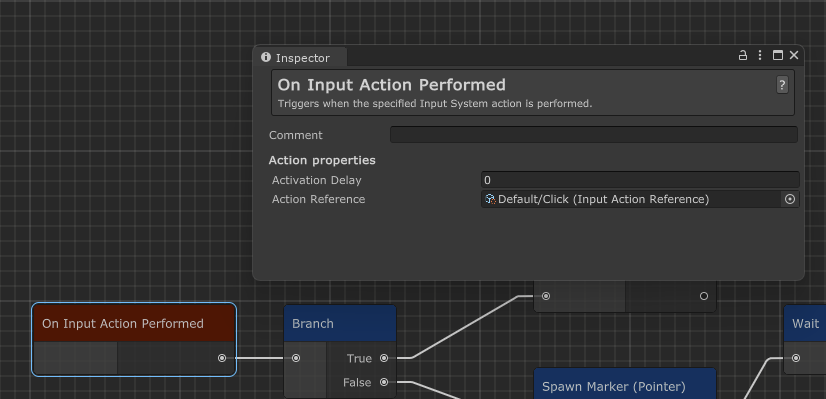
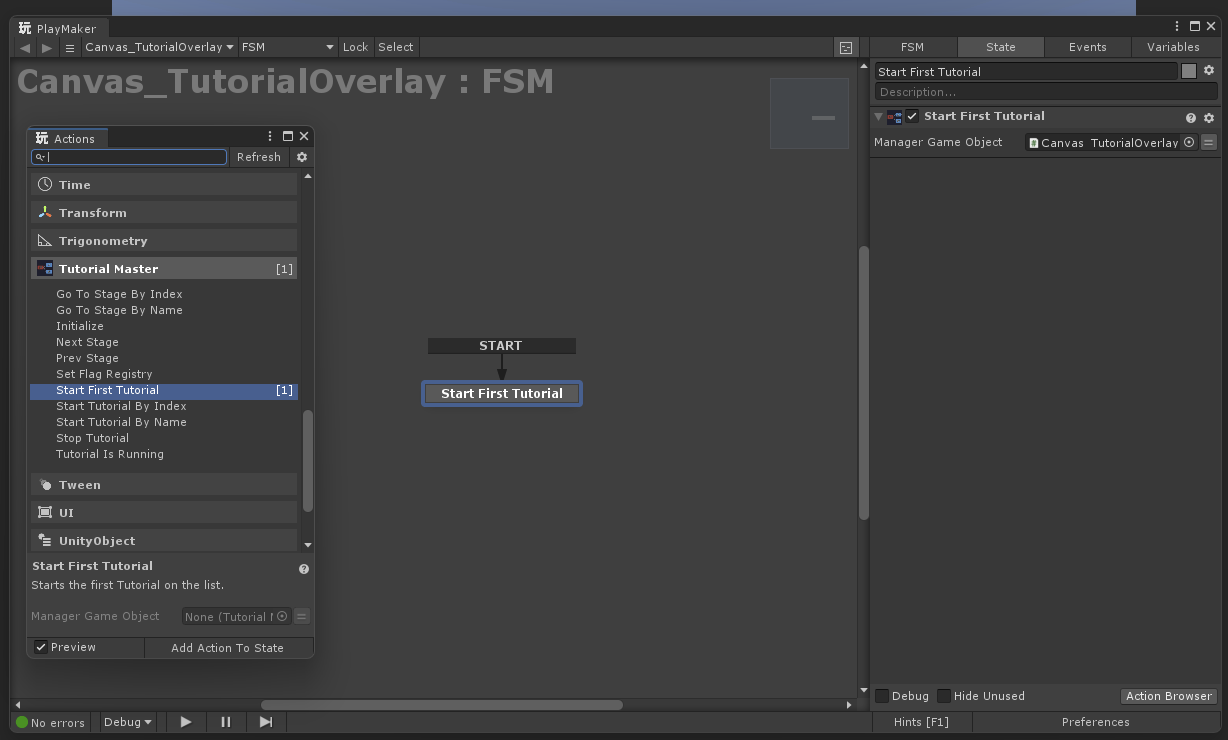
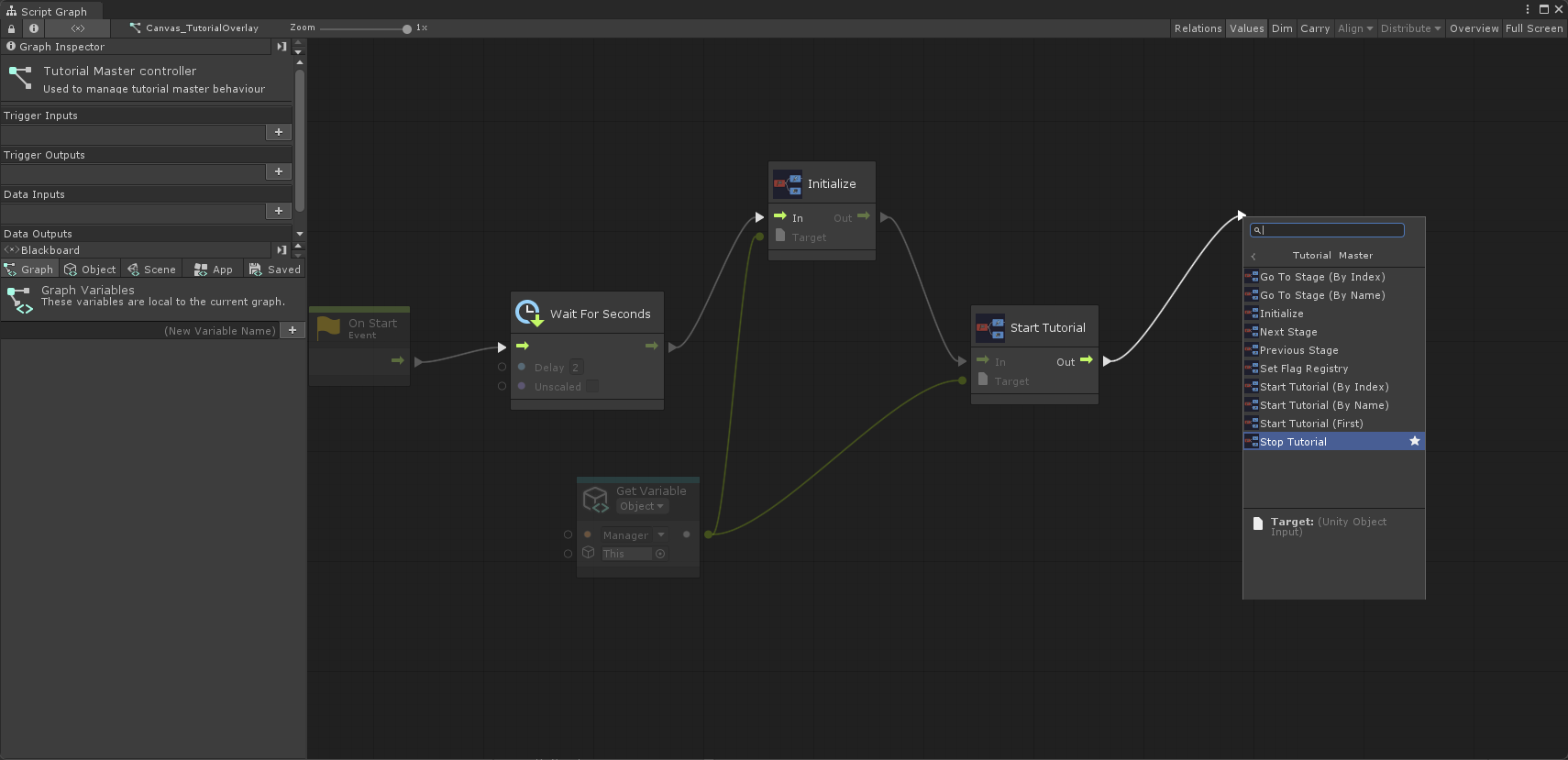
Tutorial Master now supports Playmaker and Unity Visual Scripting out of the box!

PlaymakerUnity Visual Scripting

Odin Inspector

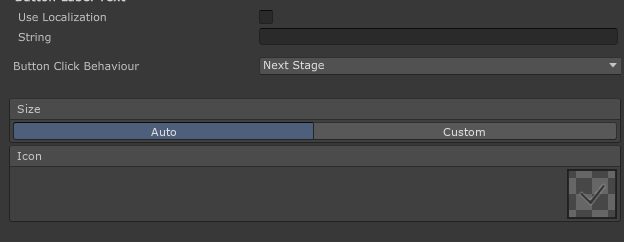
If you're using Odin Inspector to create highly customisable editor tools, you can now take advantage of Tutorial Master's Odin support. You can read more about it here.

Quality of life improvements

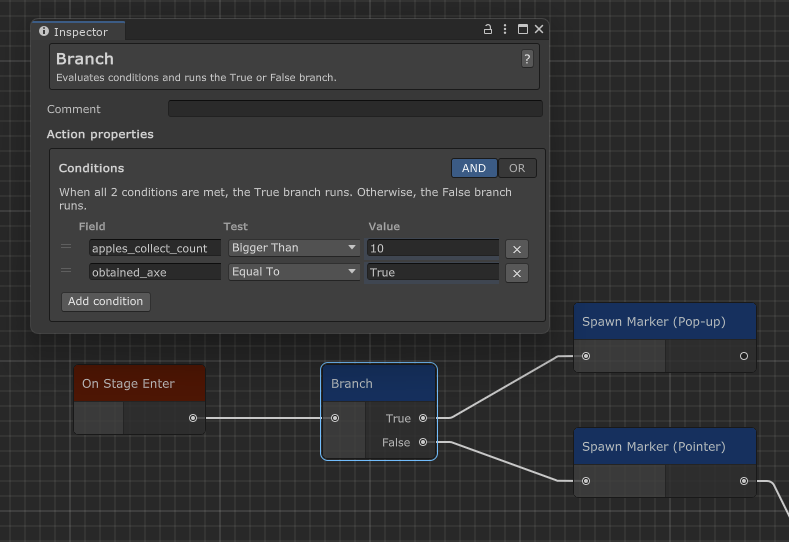
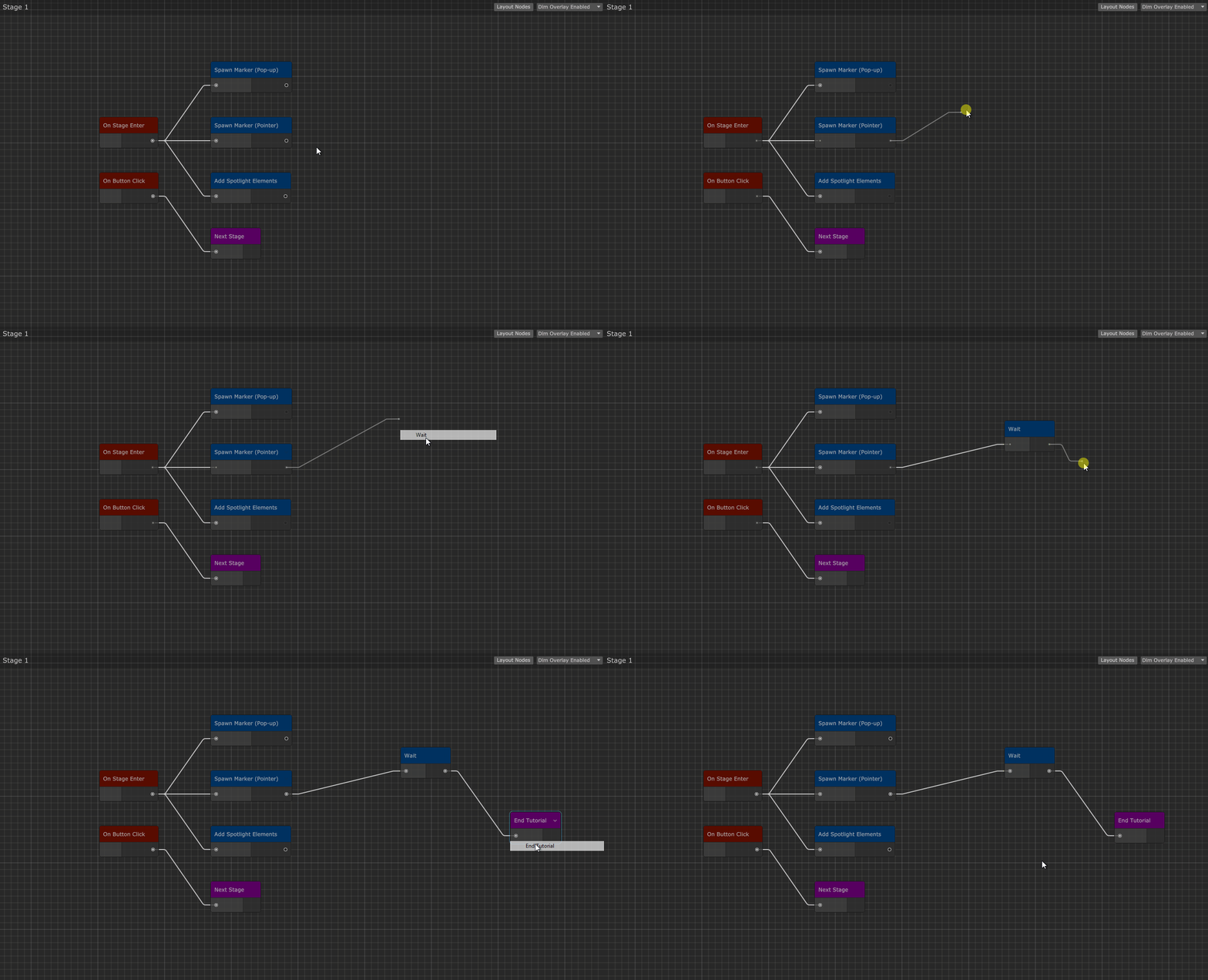
Dragging out a port now brings up a node menu.

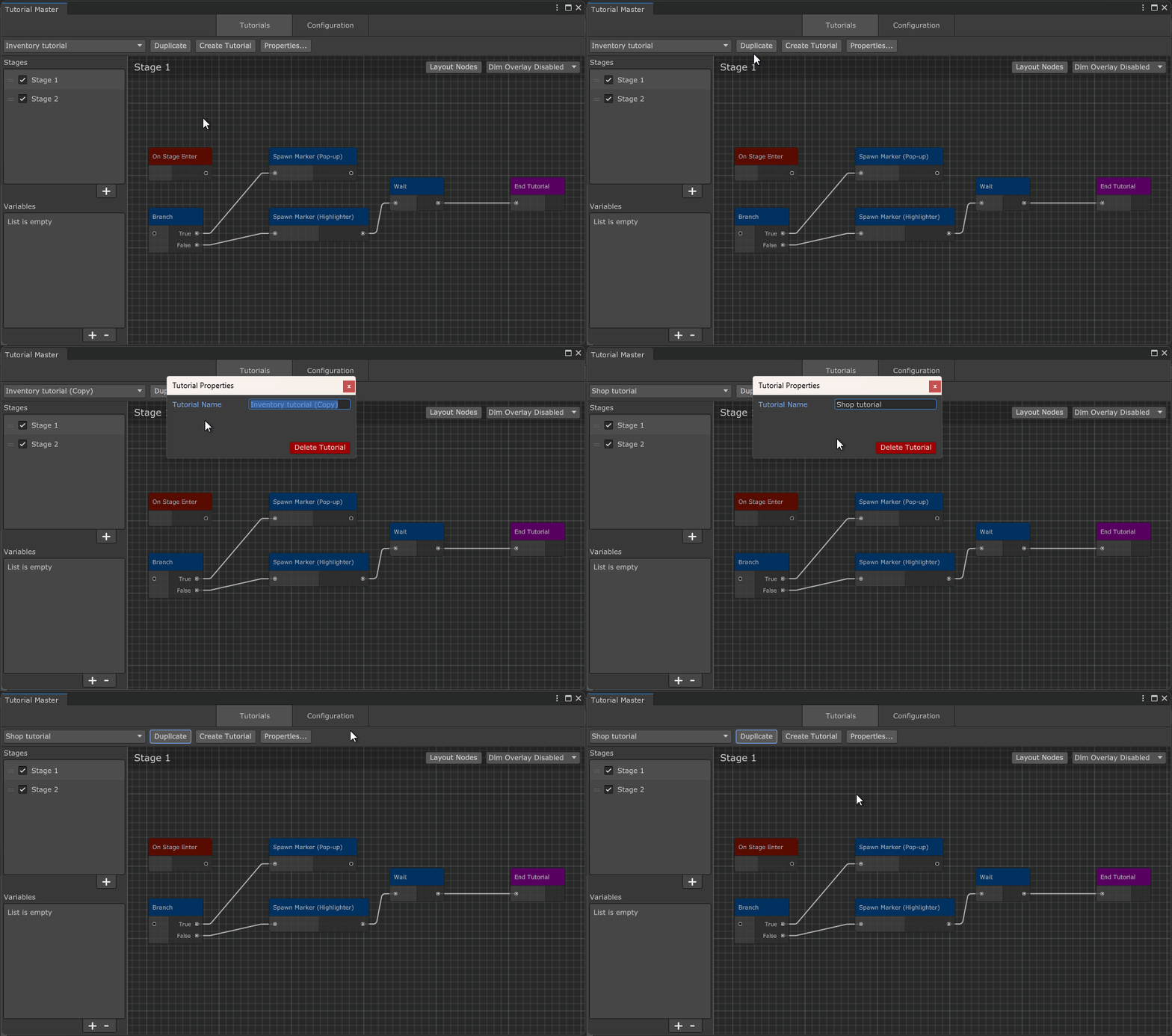
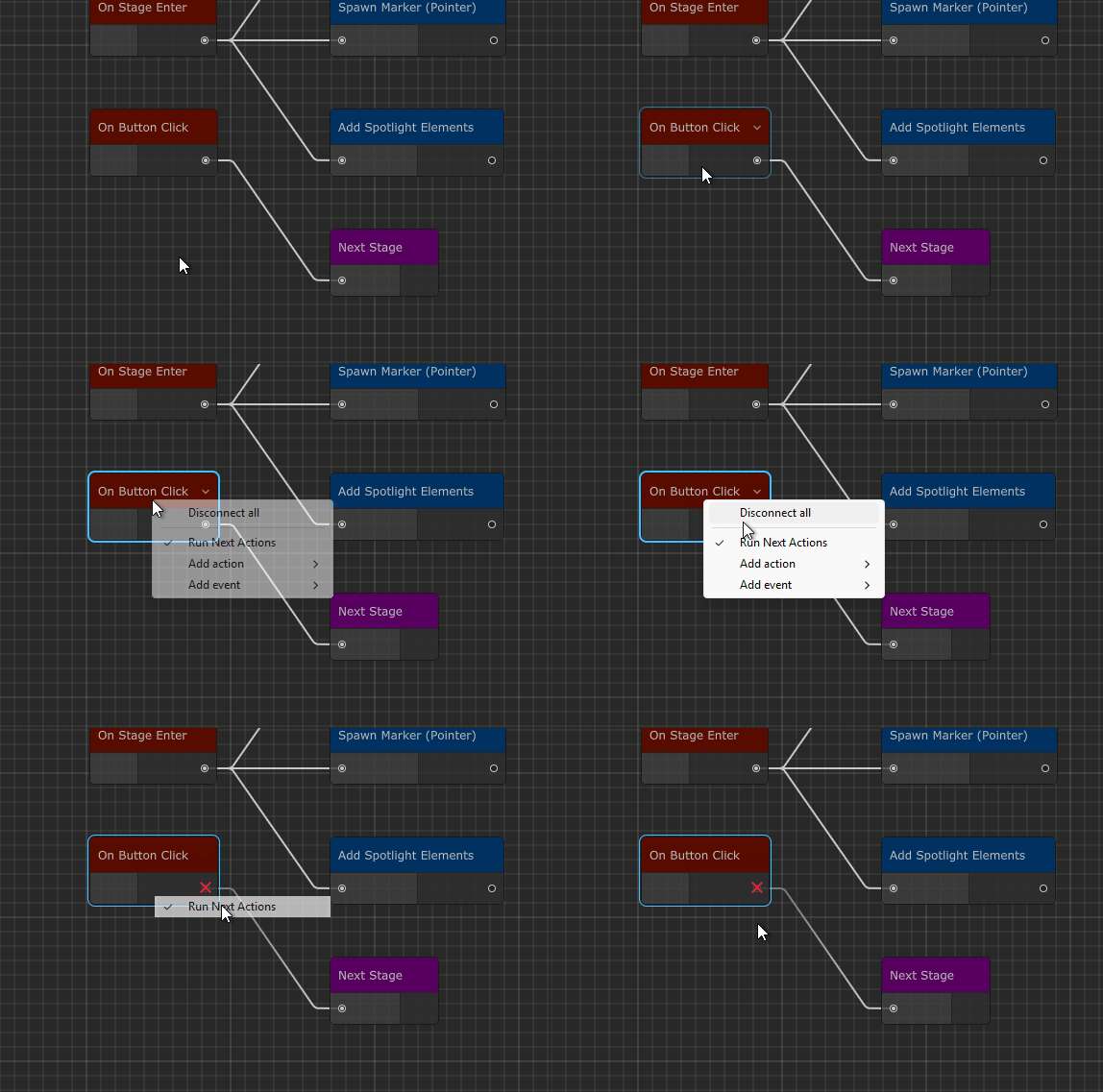
You can also disable certain action chains from running to quickly test parts of your tutorial without disconnecting them.

Full release notes

  • Added
    Added support for Unity 6000.3.TM-77
  • Added
    Added "End Tutorial" action node.TM-75
  • Added
    Added support for Odin Inspector.TM-48
  • Added
    Added support for Unity Visual Scripting.TM-29
  • Added
    Added support for PlayMaker.TM-27
  • Added
    You can now create a node directly when dragging and dropping a new connector, making the workflow faster and more intuitive.TM-8
  • Added
    Added "Run Next Actions" option to control whether connected actions are triggered. Right-click any action or event node to toggle.TM-2
  • Fixed
    Stopping a tutorial via TutorialMasterManager.StopTutorial() no longer triggers the method twice.TM-58

Tutorial Master Update 3.0.2

· One min read

Tutorial Master Update 3.0.2 is here! This update brings several bug fixes. Thank you for your feedback and bug reports!

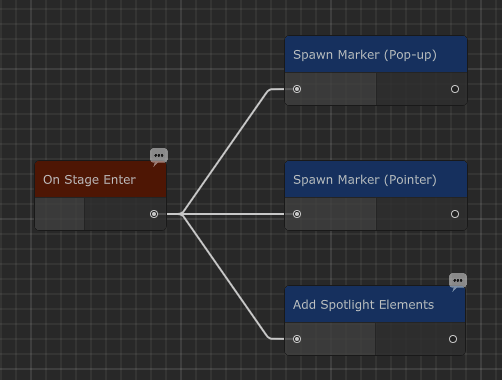
A small quality of life improvement is that you can now quickly tell whether comments have been added to any of the action nodes. Hovering over them will reveal the comment you've written.

Full release notes

  • Added
    Node comments are now visible in Stage Editor.TM-49
  • Added
    Added support for Unity 6000.2.TM-17
  • Fixed
    Fixed an issue where node UI would not update immediately.TM-72
  • Fixed
    Fixed an issue when Marker would be momentarily visible at the bottom left corner of the Canvas when it spawns with entrance effect(s) enabled.TM-71
  • Fixed
    Dim Overlay now correctly stretches to its parent when the Canvas is set to Scale With Screen Size.TM-57

Tutorial Master Update 2.0.7.3

· One min read
info

This update modernizes Tutorial Master, bringing it up to speed with the latest Unity versions, while getting rid of the old ones.

You may find complete set of requirements for Tutorial Master on this page.

General

  • Added
    Added support for Unity 2019.4, 2020.3, 2021.3, and 2022.3
  • Improved
    Updated outdated Component help pages to point to the new documentation
  • Changed
    Api compatibility level now requires .NET 4.x or higher
  • Removed
    Removed support for Unity 2017.1, 2018.1-2018.4, 2019.1-2019.3

Tutorial Master Update 2.0.7

· One min read

General

  • Added
    Added support for Unity 2019.2

Editor

  • Improved
    Tutorial Master editor visuals are now more consistent with Unity styles
  • Fixed
    Fixed a bug when UnityEvent control would use light skin style when using Dark Skin mode

API

  • Changed
    Module.cs – CallerManager property now made public

Runtime

  • Fixed
    Fixed a bug when "Play On Start" wouldn't work properly
  • Fixed
    Fixed a bug when module pools wouldn't be instantiated when "Play On Start" is disabled
  • Fixed
    Fixed a bug when Fly-In and Float effects wouldn't work when "Update Every Frame" is enabled