Tutorial Master Update 3.0.4
What's new?
This update brings lots of exciting new features and improvements.
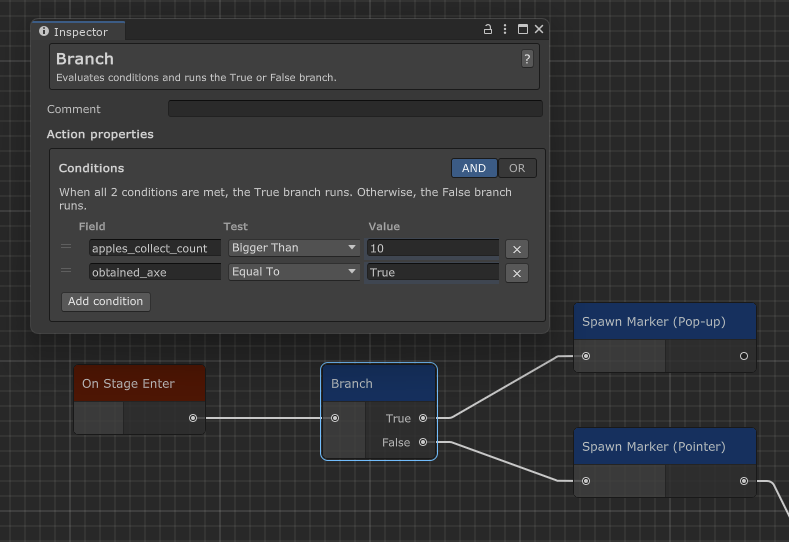
Branching paths
You can now use the new Branch node to run different action chains based on conditions. This is useful for things like branching tutorials based on player choices, or skipping parts of the tutorial if the player has already completed them in a previous playthrough. Learn more.
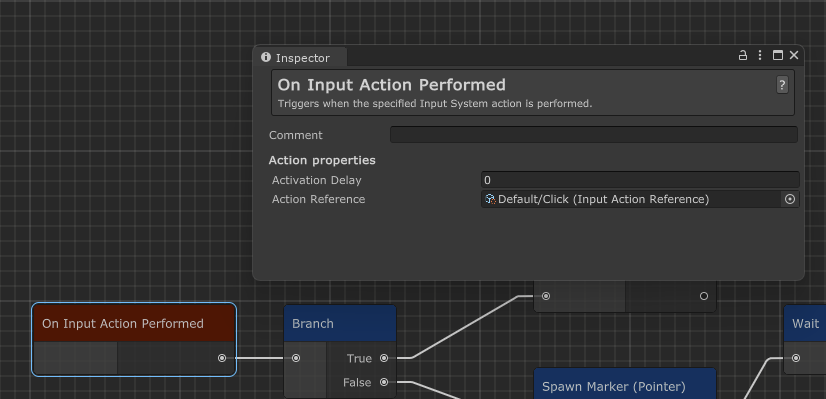
Unity Input System support
Tutorial Master now works with the new Unity Input System out of the box! You can use the new Input Action Performed event node to trigger actions based on input actions defined in your Input Actions asset. Learn more.
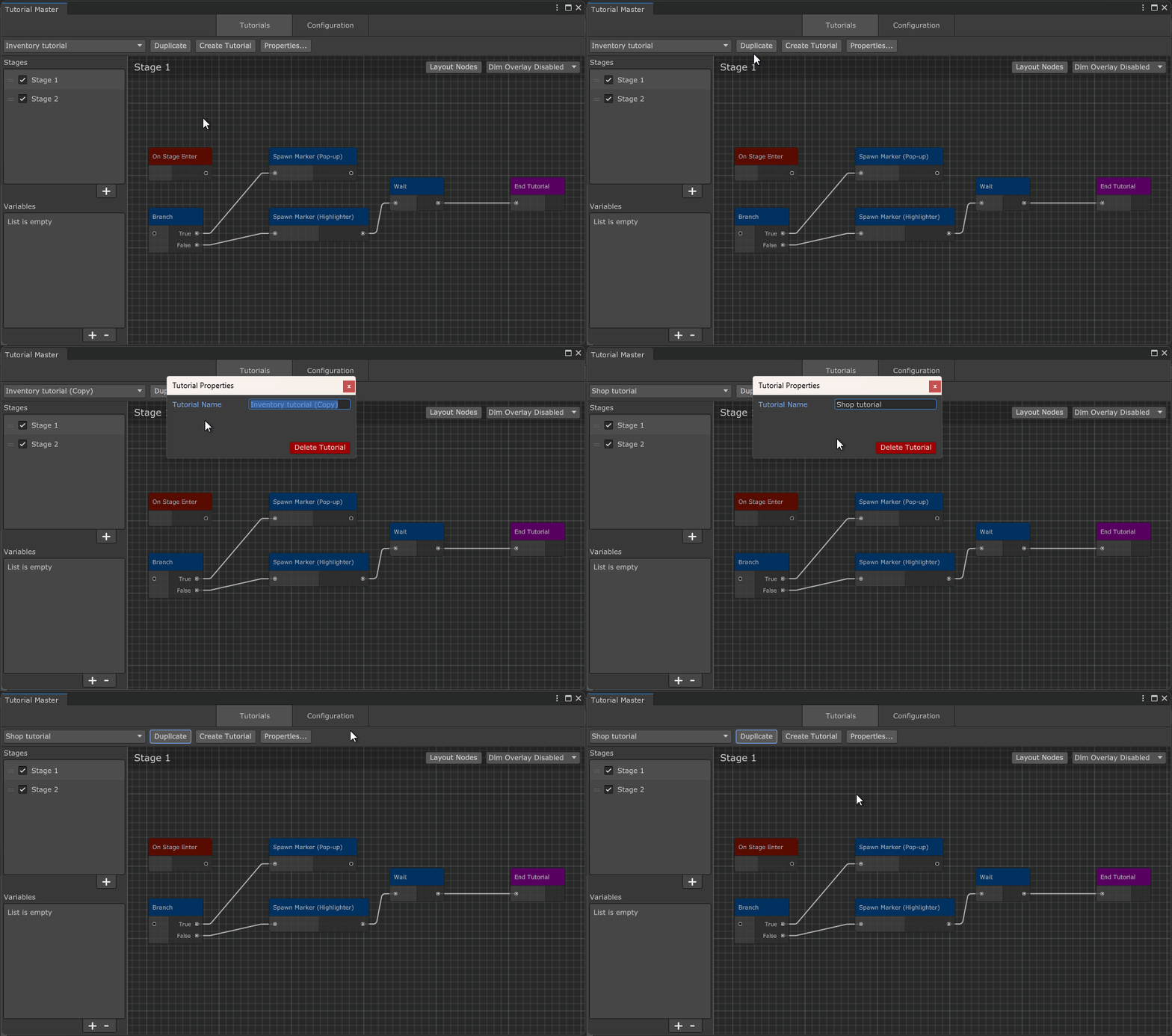
Duplicating tutorials
You can now duplicate tutorials similar to how you duplicate stages.
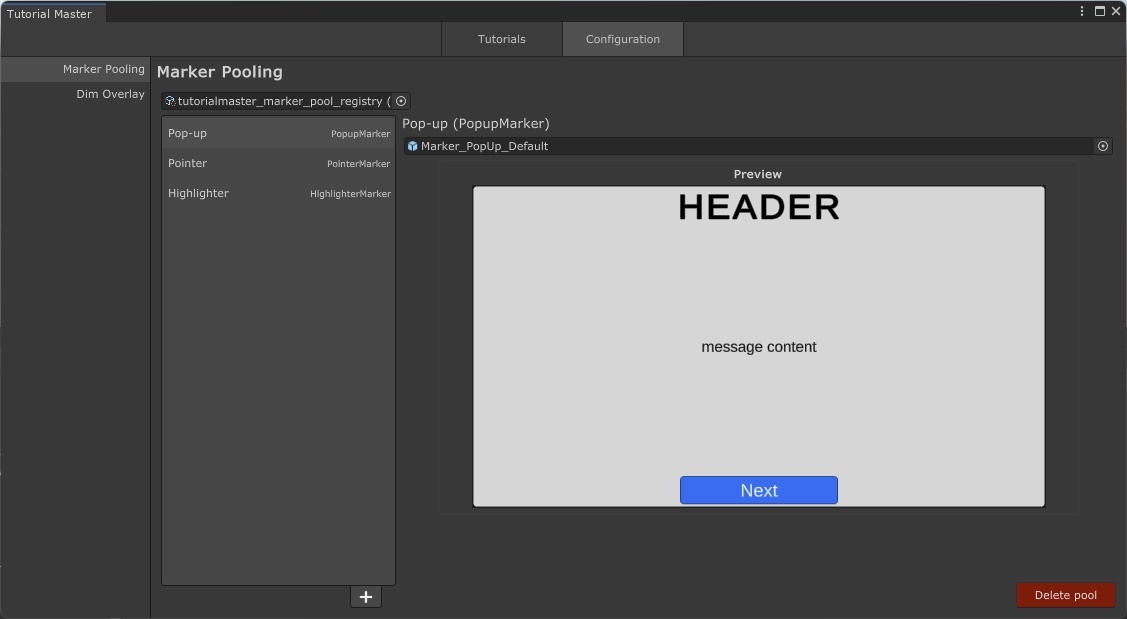
Previewing marker prefabs
A small quality of life improvement that lets you see a preview of your marker prefabs in the Inspector. This should help you see at a glance what the Marker might look like without having to open the prefab.
Full release notes
- AddedAdded support for Unity 6000.5.TM-82
- AddedYou can now create branching paths for your tutorials with a new [Branch] action node.TM-80
- AddedAdded support for Unity 6000.4.TM-79
- AddedYou can now clone tutorials.TM-51
- AddedYou can now preview Markers in the Marker Pool Configuration settings.TM-50
- AddedAdded support for Unity's new Input System.TM-24
- ImprovedAddressed deprecation warnings (CS0618) across all supported Unity versions.TM-84
- ImprovedCan now quickly clear assigned marker pool field value.TM-13
- FixedFixed a bug when comment indicator would not render for commented nodes in Unity 6000.4 or newer.TM-83
- FixedFixed an issue when Tutorial Master does not reliably preserve data when GameObject it's part of is a prefab.TM-78