Entrance Effects
Modules can have various entrance effects.
Fade In Effect
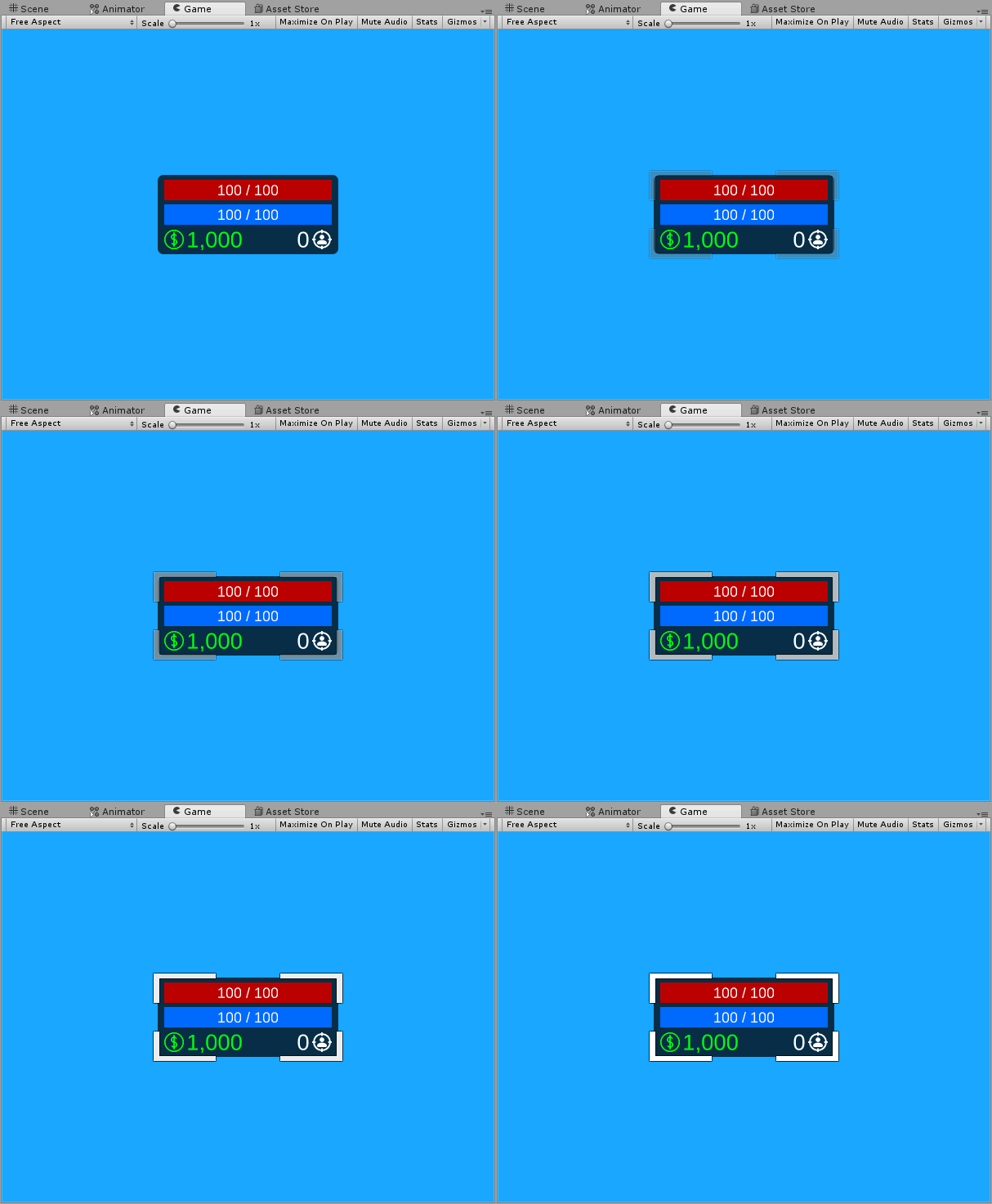
Fade In Effect causes the target Module to gradually appear in the scene.
Speed
Specifies the fading speed of the Module.
Can Interact
If set to false, Module cannot be interacted with (e.g. Popup button will be disabled) until the Fade In animation ends.
Floating Effect
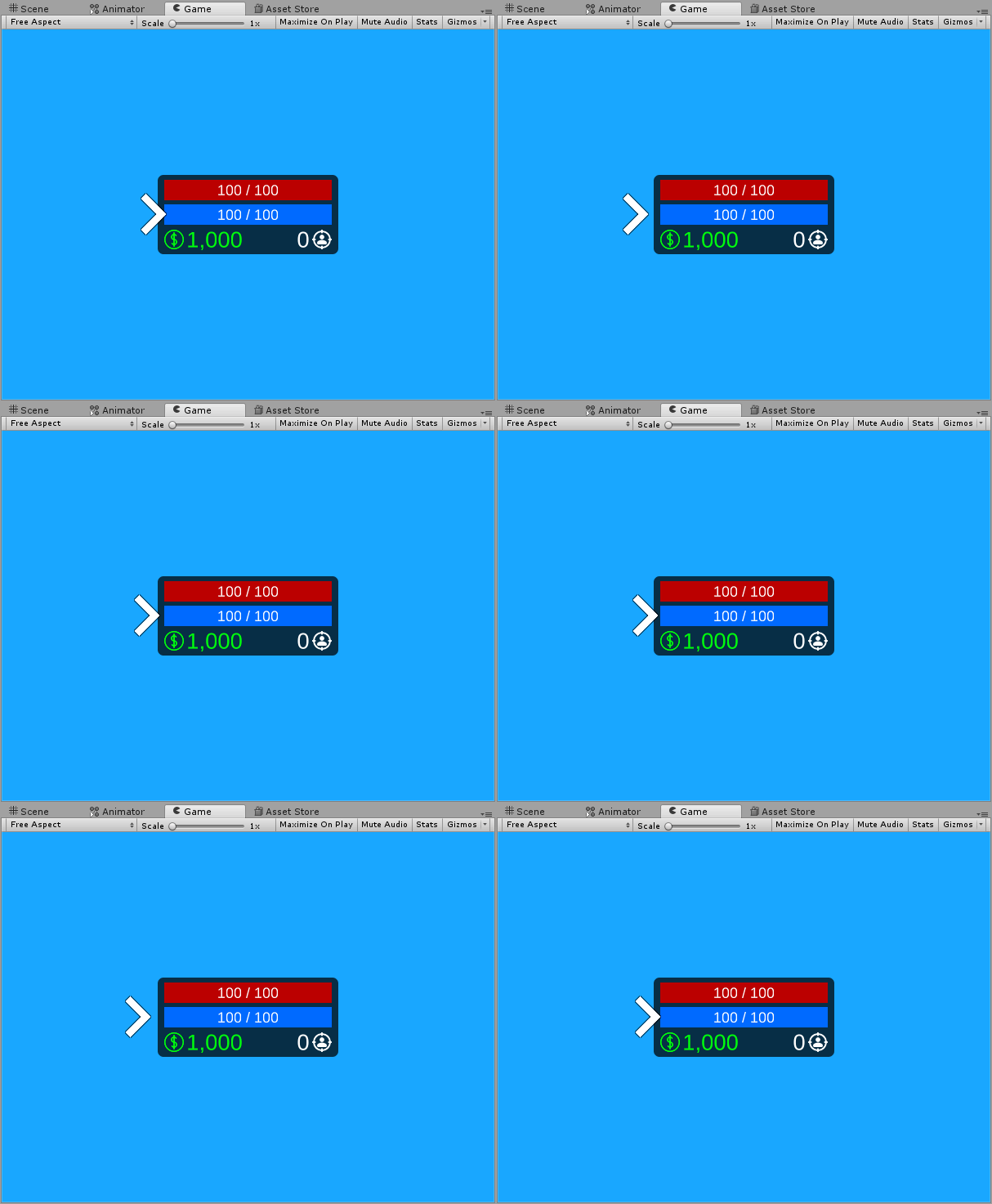
A continuous effect that makes the Module float.
Speed
Module's floating speed.
Direction
Direction of floating
| Type | Description |
|---|---|
| Horizontal | Horizontal floating (as seen in the gif above) |
| Vertical | Vertical floating |
| Diagonal Left | Diagonal left floating |
| Diagonal Right | Diagonal right floating |
Float Pattern
Specifies the type of float pattern of the effect.
| Type | Description |
|---|---|
| Sine | Uses a Sine Wave pattern. |
| Square | Uses a Square Wave pattern. 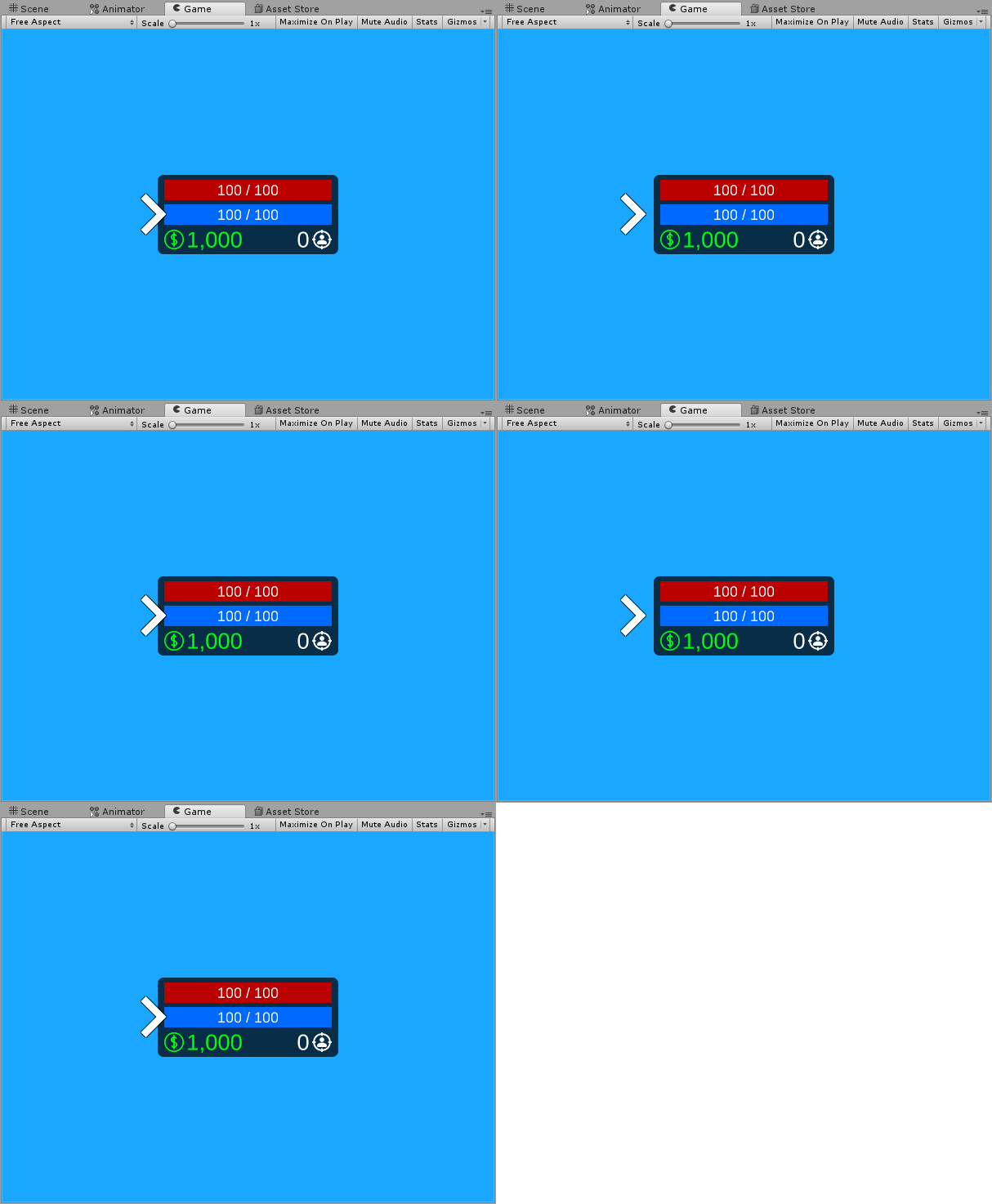 |
| Triangle | Uses a Triangle Wave pattern. 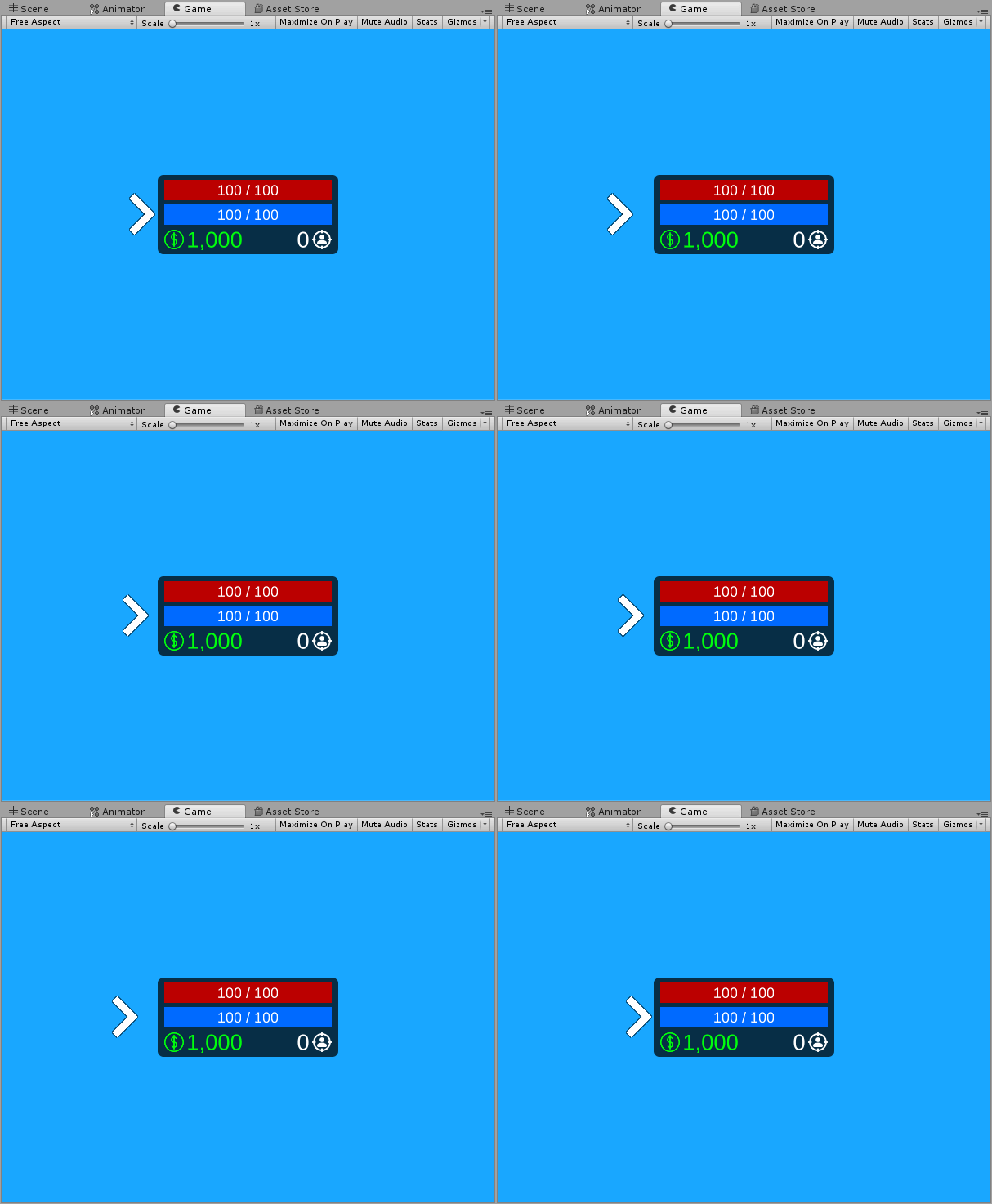 |
| Custom | Uses a custom wave as defined in Unity Animation Curve window. 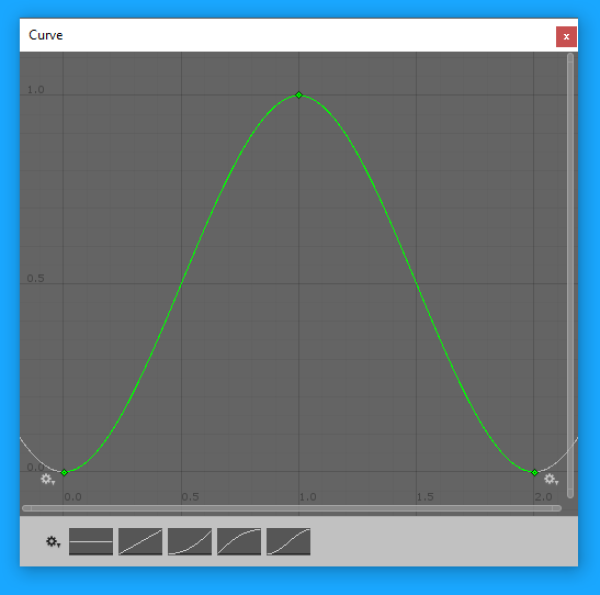 |
Scale Pulsing Effect
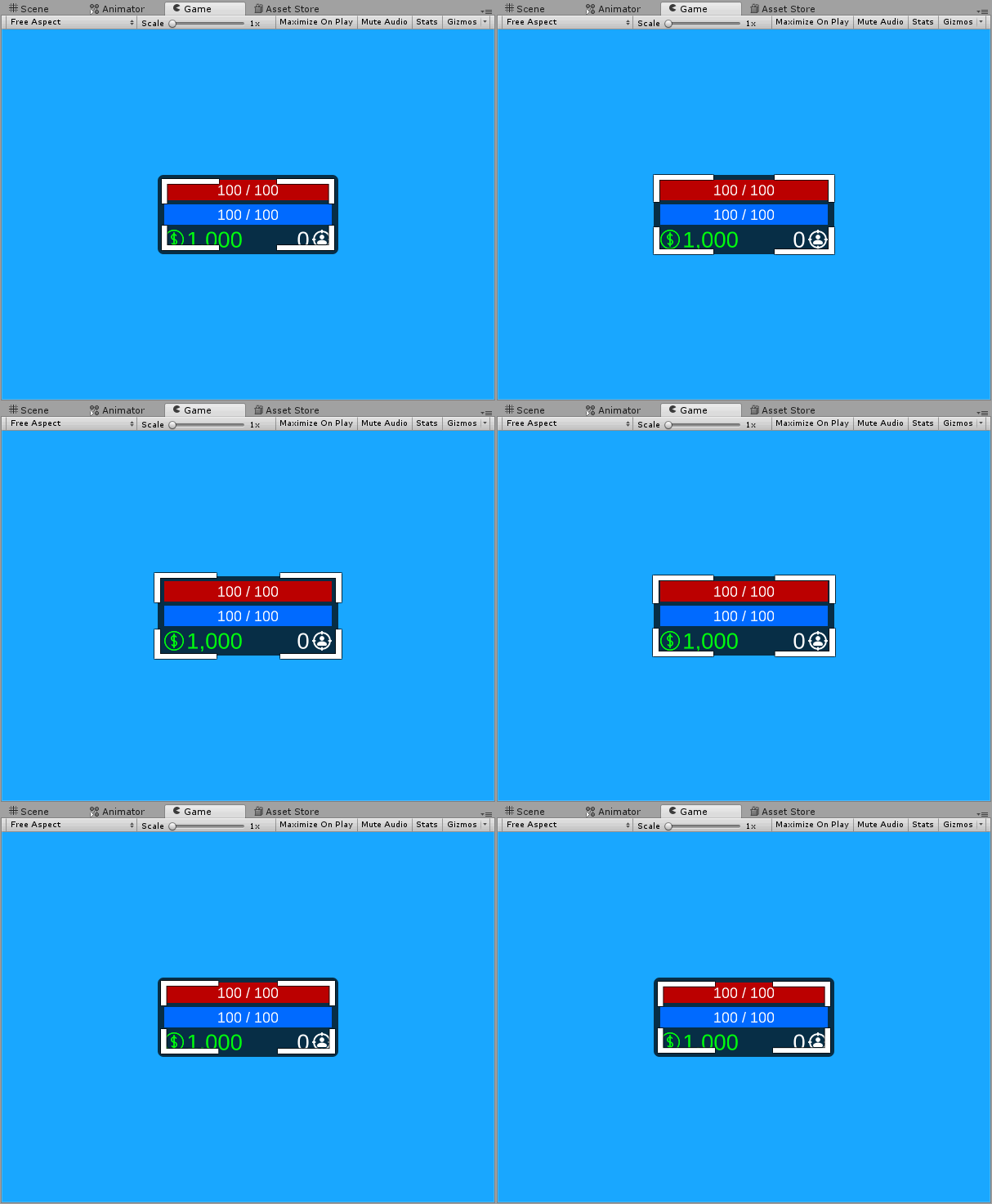
A continuous effect that constantly pings the width and height of the target Module.
Speed
Scale pulsing speed
Width Range
Specifies how far should the width of the Module stretch both outwards and inwards
Height Range
Specifies how far should the height of the Module stretch both outwards and inwards